


AirGlow
iOS Video Editor | Oct.2019 - Current

We launched AirBrush’s sister product AirGlow, a video editor that helps our users bring editing features to their Stories. Since AirGlow’s launch in October 2019, my team’s work has shifted to growing global installs.
My Role
I designed the app’s UI/UX, created all UI components for the new product launch, including conducting user research, and refined our logo design.

Early Stage: Making Assumptions & Testing
Assumption - Who are our Users?
Our team’s strengths lie in creating great real-time face retouching effects, and we want to focus on that by leveraging AirBrush’s auto-retouching options. This would provide our users with an easy way to create short personal video content for social media.
Taking a cue from the current AirBrush’s user base, the team assumed that our AirBrush user base might overlap with AirGlow’s potential users. Based on this assumption, I developed user story and persona to clarify what these users might want and their potential pain points.
User Story & Persona - Clarify the Pain Points
As a user, I want to retouch and fine-tune my face in my Stories videos, so that I look good and feel confident while I share on social media.
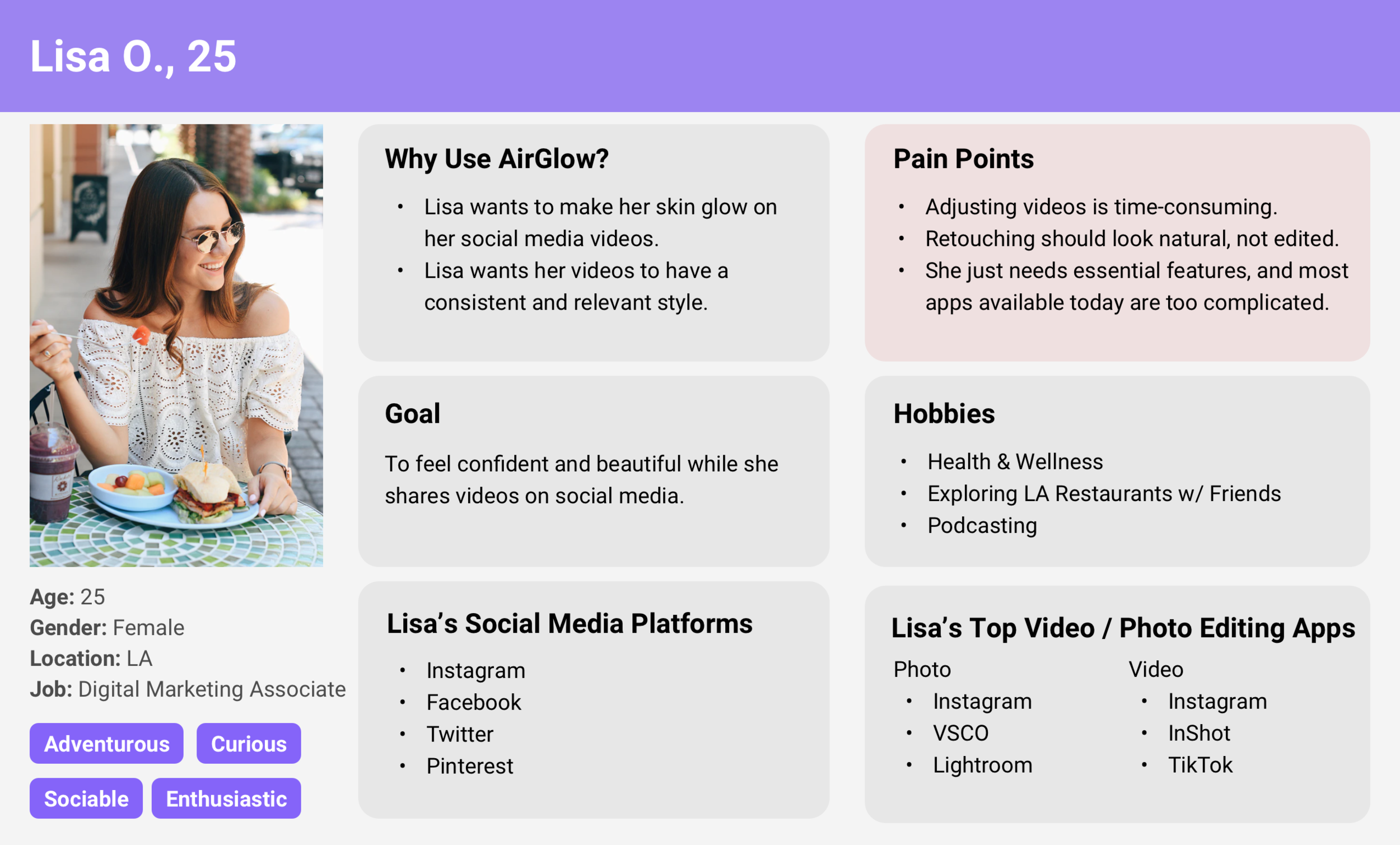
One of the provisional personas I created to identify AirGlow’s users.
User Interview- Test Our Assumptions
To get insights from the potential users and test our assumptions, I organized and conducted the early stage product research interview with some of the active AirBrush users. They liked the “light & fast video editor” concept a lot, and looked forward to the real app.
Mid-Stage: Interaction Prototypes
After we settled down the product functions and goals, I started to iterate the UI and interaction. To match AirGlow’s playful branding message, I designed and built a couple of prototypes to demo delightful motion effects to the development team.
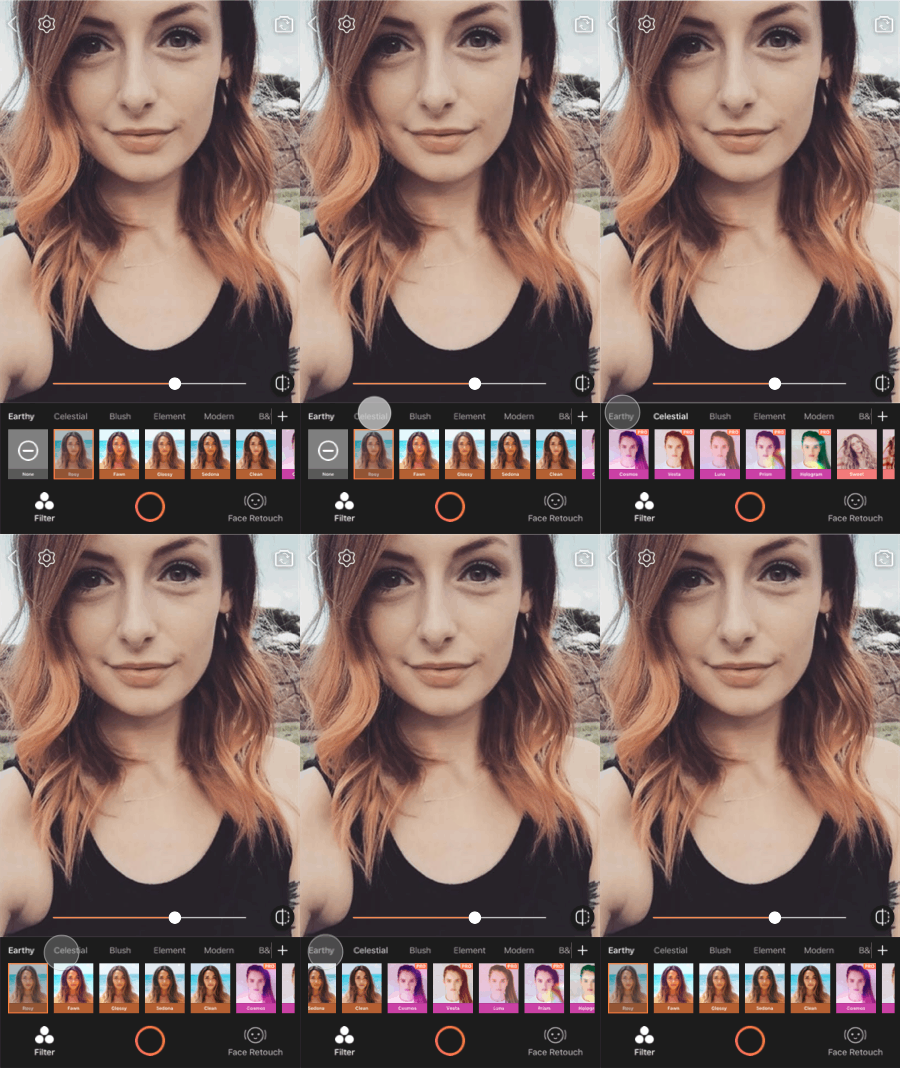
Filter sliding effect
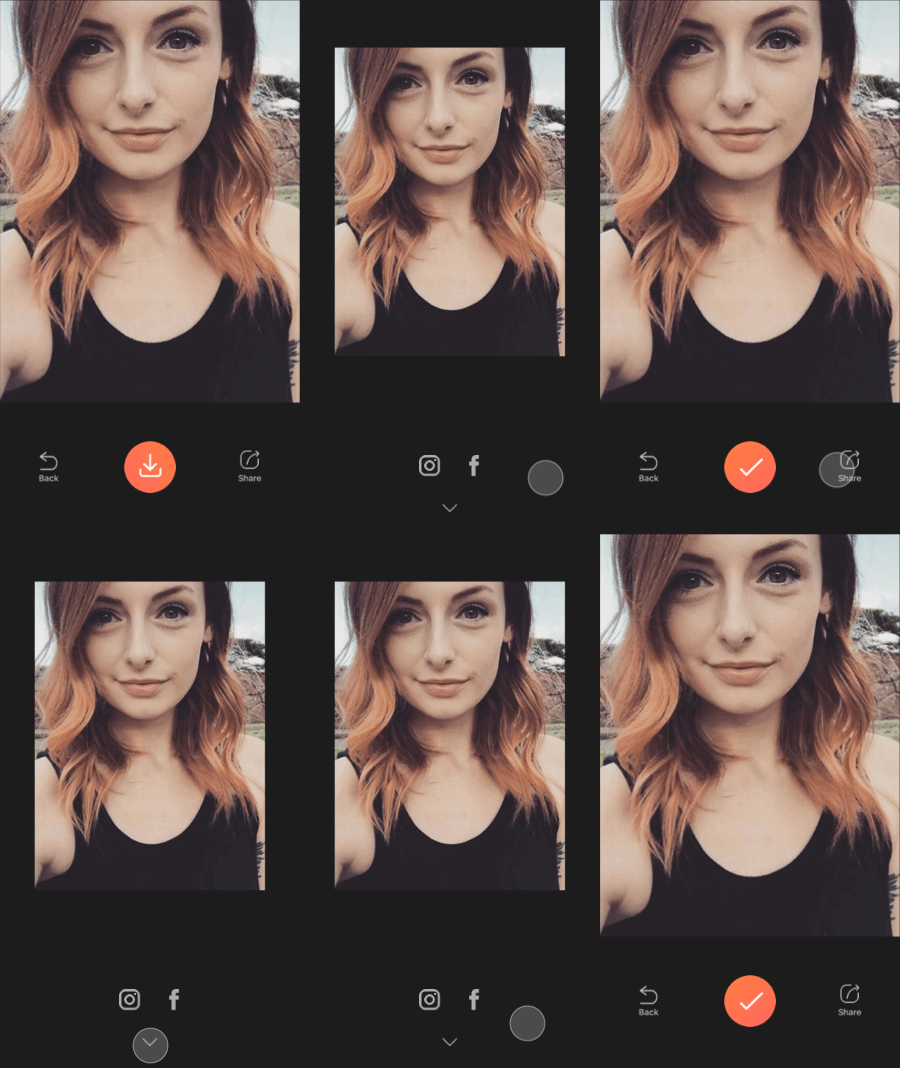
Share page transition
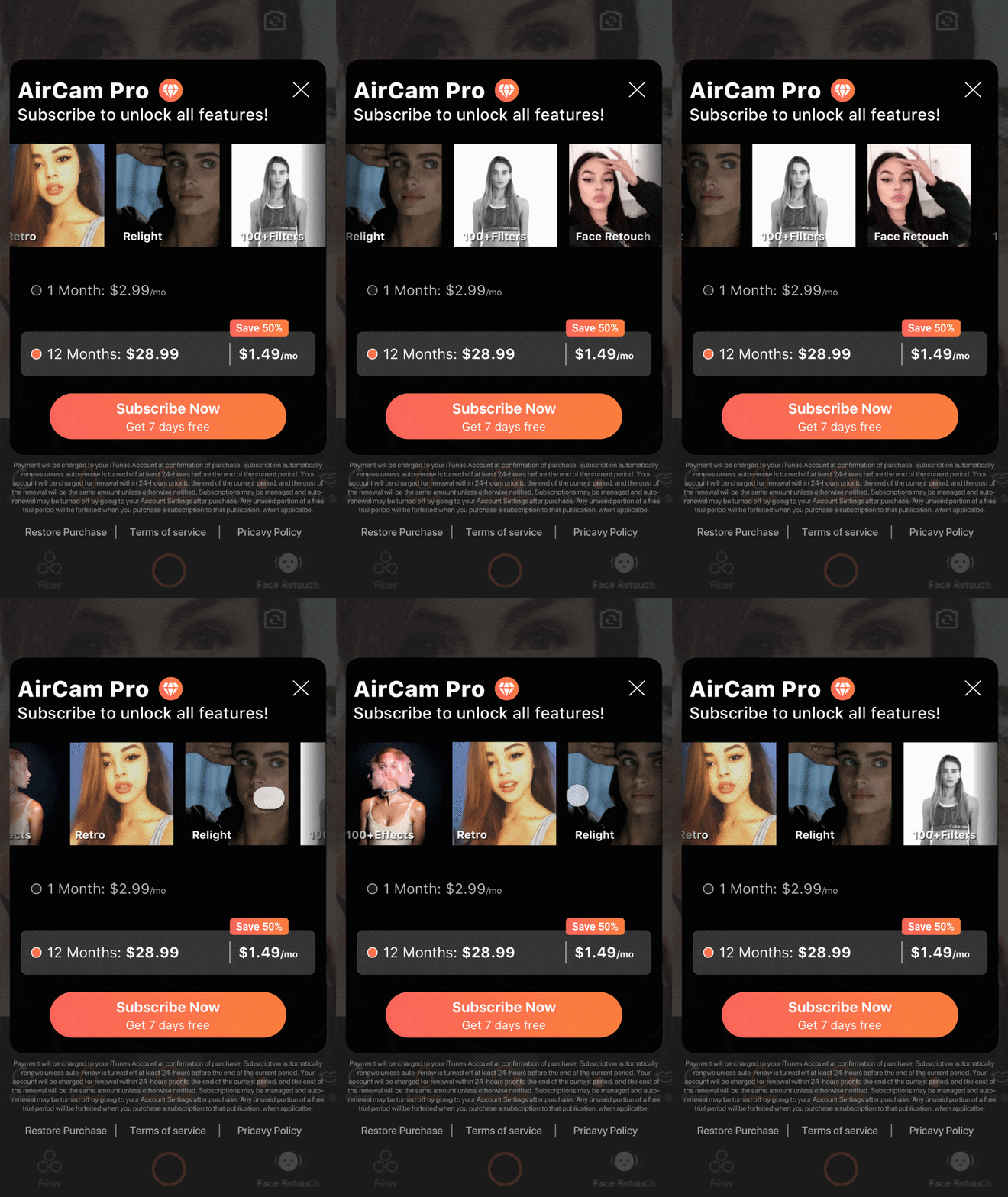
Premium feature card interaction
Result
After a 2 months development, we launched AirGlow on iOS’s App Store.
AirGlow allows people to transform videos instantly and share everywhere with powerful auto-retouching options and popular filters.

Auto-enlarge eyes
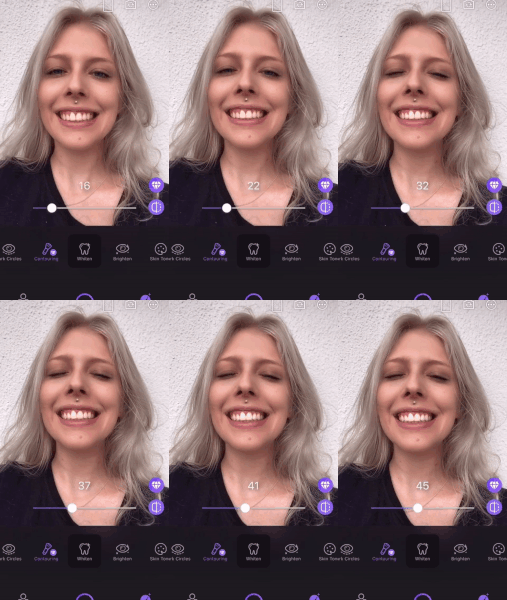
Auto-add contour
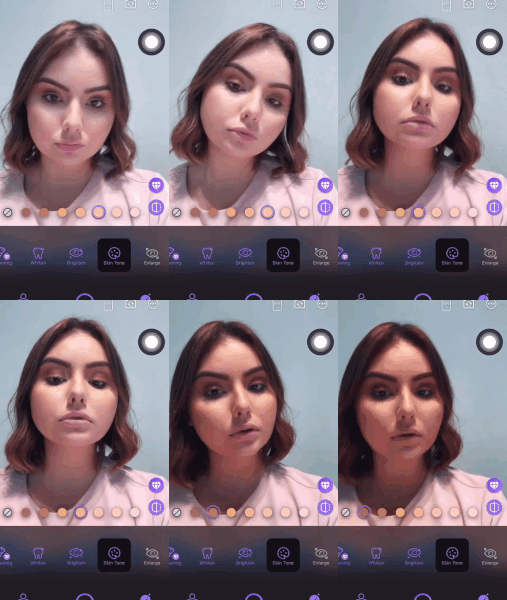
Auto-adjust face skin tone
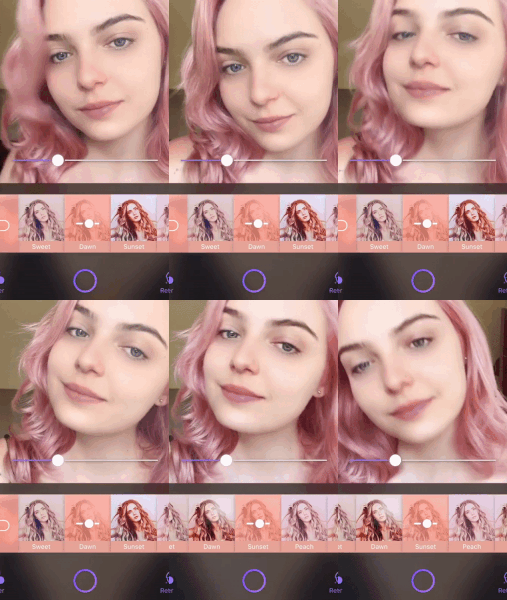
Select a trendy filter

All retouch options in AirGlow
User’s Feedback
“Love!!!!
Finally found a great app for IG Story!! 🥰”
“Great video app!
So easy to use! Looking forward to more retouch features. 👀”